The Verdict
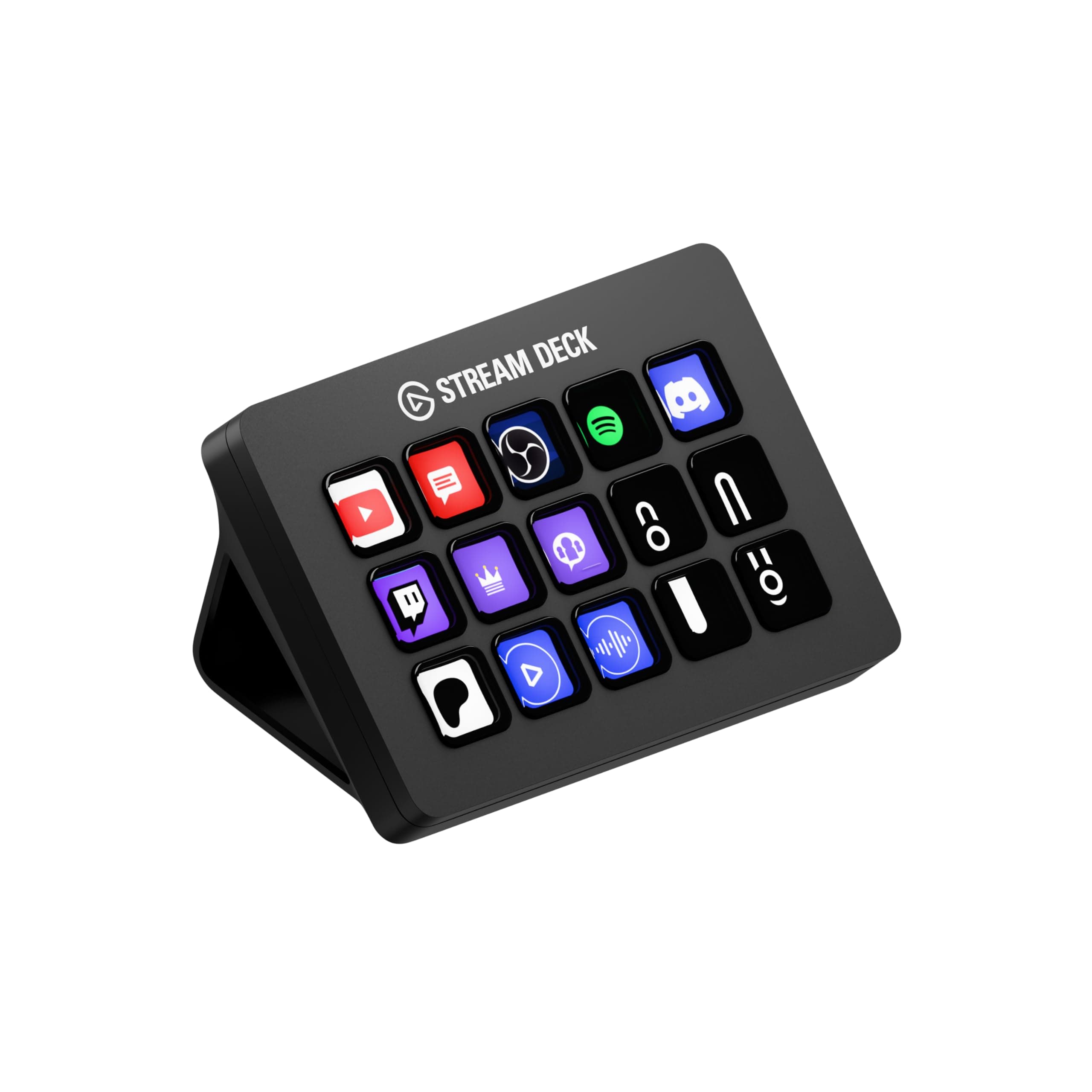
The Elgato Stream Deck MK.2 is a rare example of a viral gadget that delivers on its promises. For its target audience of streamers, content creators, and even productivity-focused office workers, it's a powerful tool that genuinely streamlines complex workflows into single button presses. While not an essential purchase for the casual user, its robust software, extensive integration support, and tangible time-saving benefits make it a high-utility investment for anyone looking to optimize their digital workspace.
It's an expensive accessory, but its deep software integration and tangible workflow improvements make it an indispensable tool for serious creators and productivity hackers.
What Went Viral
The Stream Deck MK.2 is a constant fixture in 'desk setup' and 'streaming essentials' tours across TikTok and YouTube, racking up millions of views. Its appeal is twofold: functionally, it promises a level of control that looks almost magical, letting creators switch scenes, launch media, and trigger sound effects with a single, satisfying tap. Aesthetically, the glowing, customizable LCD keys provide a futuristic, professional look that elevates any desk from a simple workspace to a command center. Renewed interest is often sparked by sales events and its continued integration into new software and platforms.
What the Comments Actually Say
Across platforms, the user feedback is overwhelmingly positive, though not without nuance. Reddit users in communities like r/elgato frequently praise the Stream Deck MK.2 as a 'lifehack' for more than just streaming. Software engineers and office workers describe it as an 'absolute gem' for automating repetitive tasks, launching apps, and managing windows, effectively reducing decision fatigue. Many see the 15-key version as the perfect size, offering ample control without excessive desk clutter. YouTube reviewers echo this sentiment, with multiple tech channels calling it a 'game changer' and an 'essential tool' for video editing, photography, and even smart home automation. The intuitive drag-and-drop software and improved build quality over the original (specifically the detachable USB-C cable and sturdier stand) are common points of praise.
However, the comment sections also reveal some common pain points. Several Reddit users report technical glitches like flickering or freezing when the device is connected through a USB hub or extender, suggesting a direct connection to the PC is mandatory for stable performance. While the software is lauded for its power, some users have experienced bugs, particularly after updates. A recurring theme among non-streamers is a slight regret over not choosing the Stream Deck Plus model, as its physical dials are better suited for tasks like adjusting volume or screen brightness.
Technical Comparison
Before the Stream Deck, the 'standard' for digital control was a combination of keyboard shortcuts and mouse clicks. The fundamental limitation of this method is cognitive load—users must memorize dozens of complex key combinations (e.g., Ctrl+Alt+Shift+R) that differ between applications. There is no visual feedback, and executing a sequence of actions requires multiple, separate inputs.
The Stream Deck MK.2 replaces abstract keyboard shortcuts with a tactile, visual interface. Its 15 LCD keys can be icon-labeled for instant recognition and can trigger 'Multi Actions'—a complex series of commands—with a single press. This shift from memorization to direct manipulation is its core advantage, offloading mental work to the hardware.
The Catch
The device's biggest weakness is its sensitivity to USB power and connectivity. The most consistent complaints stem from users connecting it through unpowered hubs, docks, or extension cables, which can cause flickering, unresponsiveness, or total failure. Its performance is contingent on a clean, direct, and sufficiently powered USB port. Furthermore, unlocking the Stream Deck's true potential requires a significant upfront time investment in configuring actions, designing icons, and building workflows. It is not a plug-and-play solution for instant productivity; it's a tool that pays dividends only after careful setup.