The Verdict
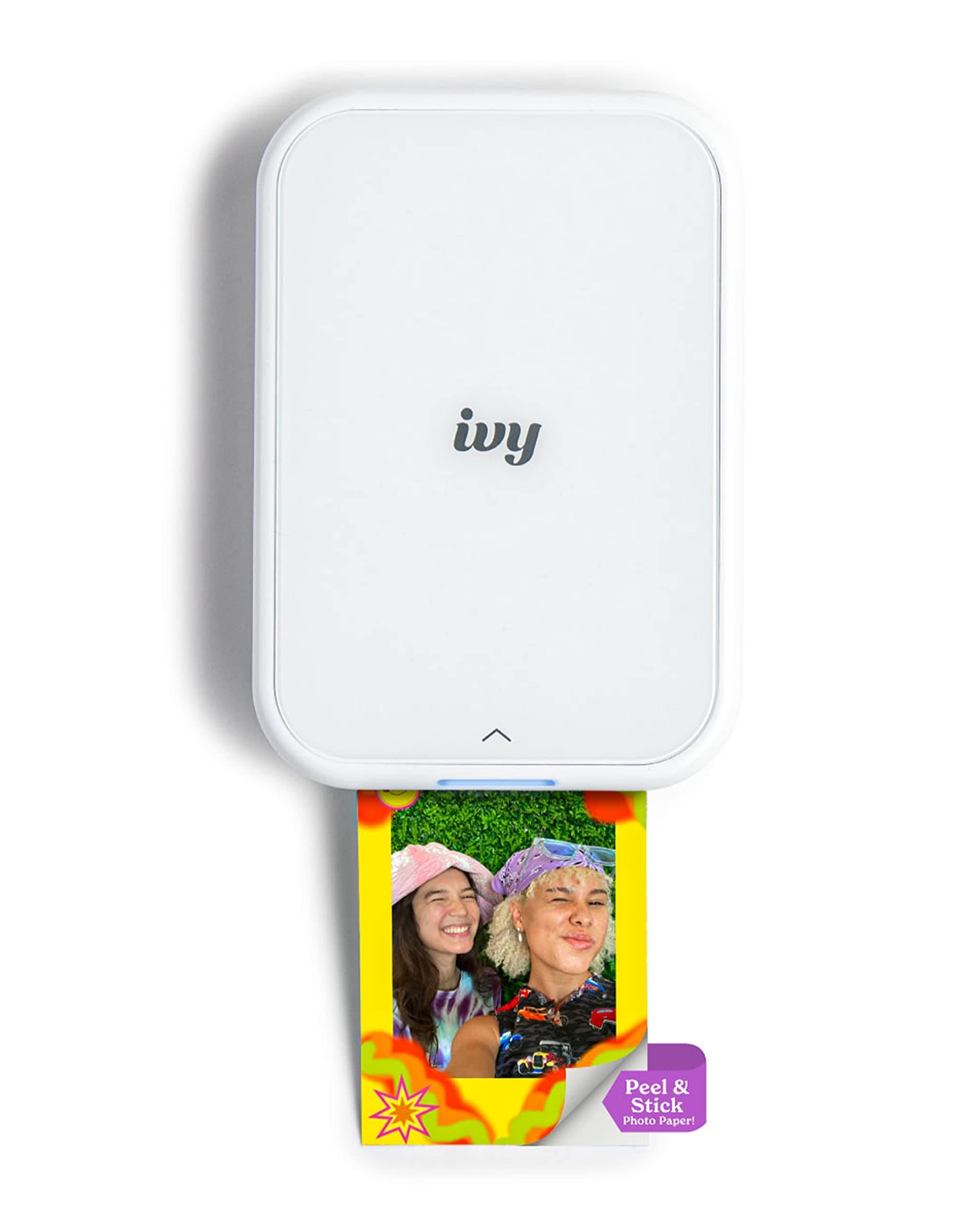
The Canon Ivy 2 Mini Photo Printer earns its high ratings by perfectly serving a specific niche: on-the-go printing for journals, scrapbooks, and crafts. It's a fun, portable gadget that delivers instant, sticky-backed photos directly from your phone. While it absolutely nails convenience, users must be prepared to accept significant compromises in color accuracy and a relatively high cost per print. For those who value portability over perfect image fidelity, it's a solid choice.
What Went Viral
With over 1.5 million views on TikTok, the Canon Ivy 2 became a staple in the 'journaling,' 'scrapbooking,' and 'DIY gift' communities. Creators showcased its appeal by seamlessly integrating it into their workflows. Videos highlighted its pocket-sized portability, the simple phone-to-printer process via its app, and the killer feature: every print is also a sticker. This transformed it from a simple photo printer into an essential tool for personalizing planners, creating custom gift tags, or instantly adding a physical memory to a travel journal, making the digital tangible in a visually satisfying way.
What the Comments Actually Say
Despite the high 4.6-star Amazon rating, a deeper dive into user comments reveals a more nuanced picture. The praise is consistent and focuses on the device's core purpose. One top Amazon reviewer celebrated its portability, noting it's "small enough to toss in a bag or even a jacket pocket," and found the app "pretty straightforward to use." The Zink (Zero Ink) technology is frequently lauded for its convenience, eliminating the need for messy ink cartridges.
However, criticism is just as consistent, centering almost entirely on print quality. On Reddit, the sentiment is decidedly mixed.
In a discussion on the r/JunkJournals subreddit, one user was blunt, stating that with the Ivy 2's Zink paper, the "colors are really off." They conceded its "only redeeming quality is that it prints on mini sticker paper, which is convenient," but ultimately recommended other printers for anyone concerned with color accuracy.
This complaint echoes across various platforms. Users frequently describe prints as having a cool or blueish tint, appearing darker than the original digital photo, or generally lacking vibrancy. The consensus is that while the prints are acceptable for casual crafts, they don't hold up for anyone seeking faithful photo reproduction. Some users also report occasional technical errors and note the battery life is limited to about 20 prints per charge.
Technical Comparison
The Canon Ivy 2's performance is a direct result of its Zink (Zero Ink) printing technology. This system uses special paper embedded with heat-activated dye crystals, which is why the printer itself can be so small and requires no ink cartridges. The trade-off for this incredible portability is image quality.
Zink technology is known for struggling with precise color representation, leading to the cool tones and color shifts users report. It's a technology built for convenience, not for archival-quality photo printing.
In contrast, a more traditional compact photo printer, like Canon's own SELPHY line, uses dye-sublimation. This process uses a ribbon and heat to transfer dye onto the paper in layers, resulting in significantly more accurate, vibrant, and durable photos. The downside is that these printers are larger, require both paper and ink ribbons, and are less suited for being tossed in a backpack for spontaneous printing sessions. The Ivy 2 prioritizes the "now" over the "perfect."
The Catch
The primary catch isn't a hidden defect, but a fundamental limitation of the technology: the color accuracy is a gamble. If your goal is to print photos that faithfully represent the moment you captured, you will likely be disappointed. The secondary catch is the recurring cost. While the printer itself is priced around $99, the proprietary Zink paper costs roughly $0.50 per sticker print. This can add up quickly, making it a more expensive hobby than many initially realize. For casual, infrequent use it's manageable, but for prolific scrapbookers, the cost is a significant factor to consider.